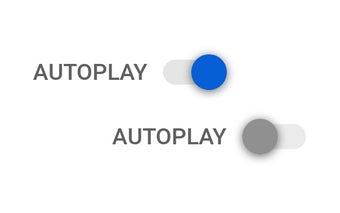
Autoplay No More: Stop Automatic Video Jumps on YouTube, TED, Bing, and Vimeo
Autoplay No More is a free Chrome add-on developed by Daniel Kladnik. It falls under the category of Browsers and specifically the subcategory of Add-ons & Tools. This add-on is designed to disable the automatic jumps from the current video to the next video on popular platforms like YouTube, TED, Bing, and Vimeo.
Top Recommended Alternative

With Autoplay No More, you can finally take control of your video-watching experience. Say goodbye to the frustration of being automatically redirected to the next video without your consent. This add-on allows you to enjoy the current video without interruptions and decide when to move on to the next one.
By preventing these automatic jumps, Autoplay No More provides a more user-friendly browsing experience. Whether you're watching educational content on TED or entertaining videos on YouTube, this add-on ensures that you have the freedom to watch videos at your own pace.
Download Autoplay No More today and regain control over your video autoplay settings on YouTube, TED, Bing, and Vimeo.